What Exactly Causes Wireless Microphone Interference? A Complete Explanation
I. First Understand: Why Do Wireless Microphones Get Interference?
We can imagine wireless frequencies as a highway:
• Frequency = the highway
• Bandwidth = the lanes on the road
• Each wireless transmitter = a car occupying one lane
• Microphone receiver = a person waiting in a lane for their own car
When wireless devices operate, they occupy a portion of frequency bandwidth.
If another device occupies your frequency band, it’s like taking your lane—so the receiver (the “person waiting”) may receive the wrong “car.”
Key point:
Whether genuine or imitation, big brand or small, no wireless microphone in the world can 100% completely eliminate co-channel interference.
Excellent brands simply use technology to minimize the probability of interference:
• Transmitters: reduce spurious emissions, parasitics, intermodulation, harmonics, etc.
• Receivers: use squelch (SQ), narrowband, frequency hopping, etc.
Currently, the most effective anti-interference solution is frequency hopping technology.
This technology originated in military secure communications and was later used in civilian systems like CDMA. Now many manufacturers apply it to wireless microphones, but due to higher costs, it is not yet fully widespread.
One more key concept:
Interference affects the “receiver,” not the microphone itself!
External signals do not interfere with microphone transmission—they interfere with receiver reception. Most interference is unintentionally generated by other devices during normal operation, and much of it is beyond your control.
II. Three Common Types of Wireless Microphone Interference
Explained in simple terms, without heavy technical jargon.
1.Co-channel interference
The simplest explanation:
Someone else is using the same frequency and “competing for your channel.”
The interfering signal enters the receiver through the antenna, preventing it from receiving your microphone’s normal signal.
Common sources:
• High-power walkie-talkies: even with different frequencies, harmonics or spurious emissions may fall into your frequency band
• Other wireless microphones, wireless devices, or base stations using the same frequency
2.Electromagnetic interference
Some high-power devices generate strong electromagnetic fields or high-power harmonics when operating. At close range, these can directly affect the receiver circuitry and prevent normal operation.
Common sources:
• Switching power supplies, LED video walls (which contain many switching power supplies and are highly disruptive)
• Induction cookers, microwave ovens, wireless charging
• High-power motors, generators, high-voltage equipment, etc.
The principle is similar to “energy destruction” in modern electronic warfare—strong electromagnetic fields directly affect nearby electronic devices.
This is also why mobile phone use is restricted on airplanes and at gas stations—although frequency bands differ, strong electromagnetic fields can still affect equipment.
3.Intermodulation interference
Simply put:
The more microphones you use, the more they interfere with each other internally.
It is essentially a type of co-channel interference, but generated by the microphones themselves.
For example:
If two microphones use 800MHz and 801MHz, third-order intermodulation signals may appear at 799MHz and 802MHz, which can interfere with other microphones.
Characteristics:
• The more microphones, the more severe the intermodulation
• Intermodulation signal strength is usually lower than normal microphone signals
III. How to Avoid Interference? Practical Steps
Step 1: Install the receiver correctly (away from interference sources)
There is only one principle: stay as far away as possible from anything that may generate electromagnetic interference.
Keep away from strong electromagnetic devices such as microwave ovens, induction cookers, motors, and generators.
Keep away from switching power supplies, LED screens, high-power radio stations, walkie-talkies, high-voltage/negative ion generators (especially LED screens—keep at least 5 meters away).
Do not install in the same rack as DVD players, karaoke systems, power transformers, or switching power supplies.
Place the receiver independently whenever possible; keep at least 50 cm away from smaller interference sources.
Step 2: Frequency coordination (most critical, especially for multiple microphones)
“Coordination” means turning on all microphones together, spacing out frequencies, and avoiding interference and intermodulation.
Steps are simple:
Turn on all microphones and receivers, ensuring each is properly paired
Turn off microphone No.1 and check the receiver RF indicator:
If the RF light is still on/has signal = interference exists (external or intermodulation)
Fine-tune the frequency until the RF light is completely off
Save the frequency, re-pair the microphone, and keep all microphones powered on
Turn off microphone No.2 and repeat the above steps
Repeat for all microphones, then perform a final overall check
With this process, most interference received by the antenna can be avoided.
Special case: sudden interference
No interference during setup, but interference appears during performance.
Reasons:
• Nearby timed/automatic wireless devices suddenly turn on
• They happen to use your frequency
This type of interference cannot be predicted or eliminated in advance. The correct response:
When it happens:
• Immediately turn off the affected microphone receiver
• Switch to a backup microphone
• Rescan and avoid the interference frequency
Many professional models now support one-click automatic interference avoidance, completing the entire coordination process automatically. For example, AMSaudio’s full product line. As a domestic brand focused on wireless audio, AMSaudio consistently builds high cost-performance systems through professional technology, strict quality control, and industry-level standards. Its professionalism rivals top-tier brands, while offering better suitability for local performance scenarios, lower failure rates, and more manageable maintenance costs. This is why more professional teams, rental companies, and system integrators are choosing long-term cooperation and repeat purchases.
IV. The 7 Most Frequently Asked Questions
Why does the microphone occasionally produce noise or unstable sound?
Most likely co-channel interference, with moderate interference energy.
Wireless signal rule: strong signals suppress weak ones.
When your microphone signal weakens, interference becomes noticeable.
Why not increase transmitter power?
Common power levels:
• Standard: 10–50mW, mainstream 30mW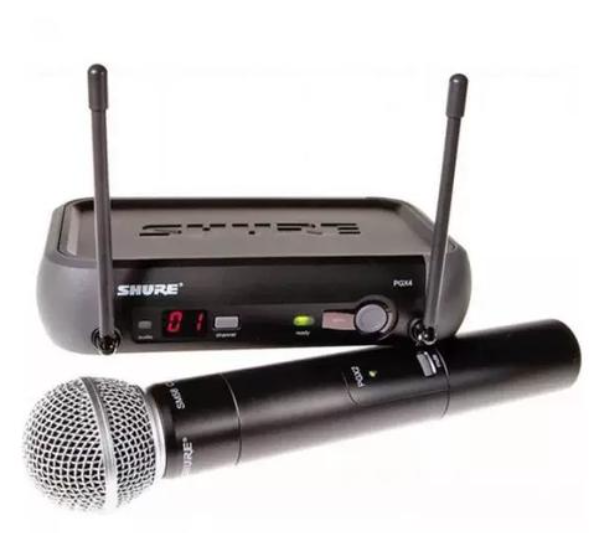
SHURE PGX series: about 10mW
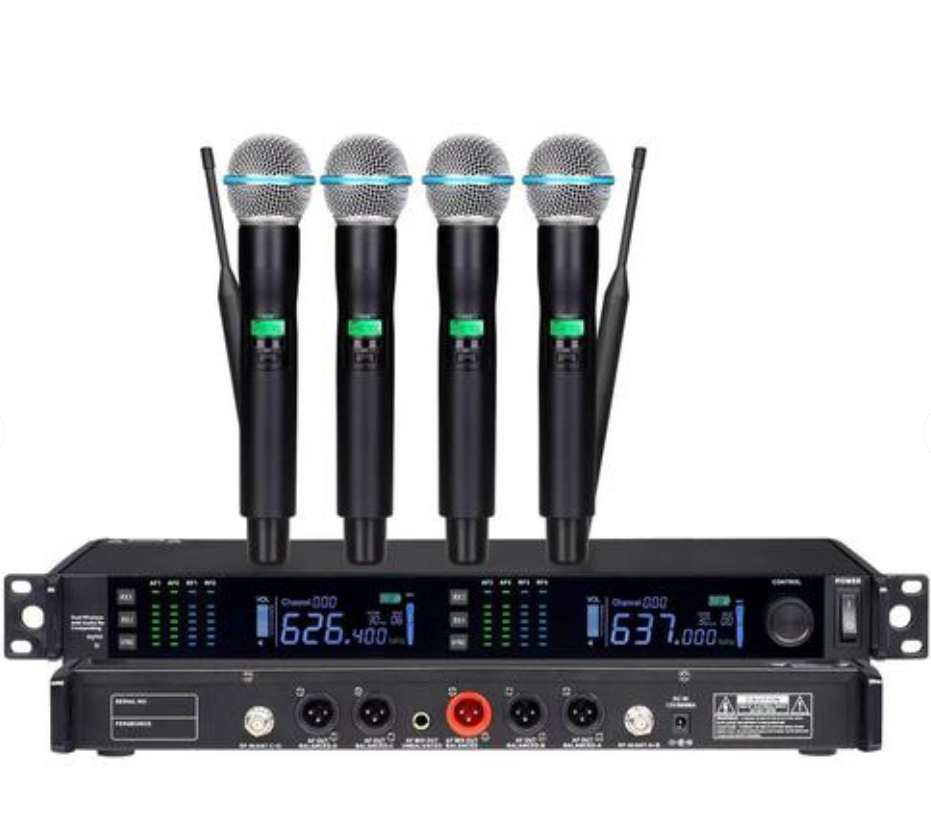 SHURE UR series: adjustable 10–50mW
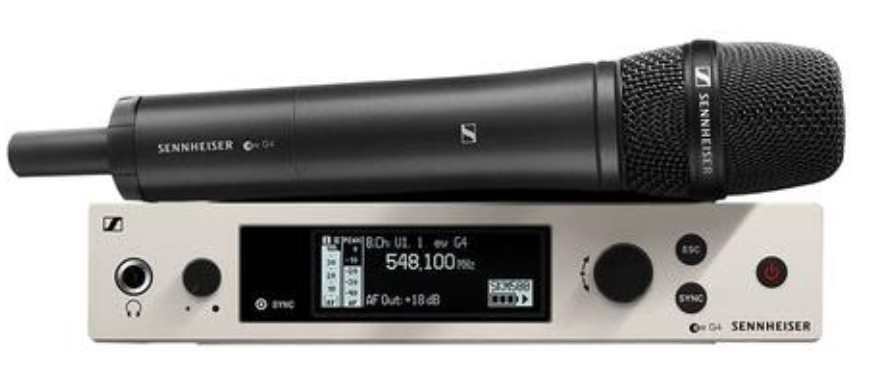 Sennheiser EW series: 30mW
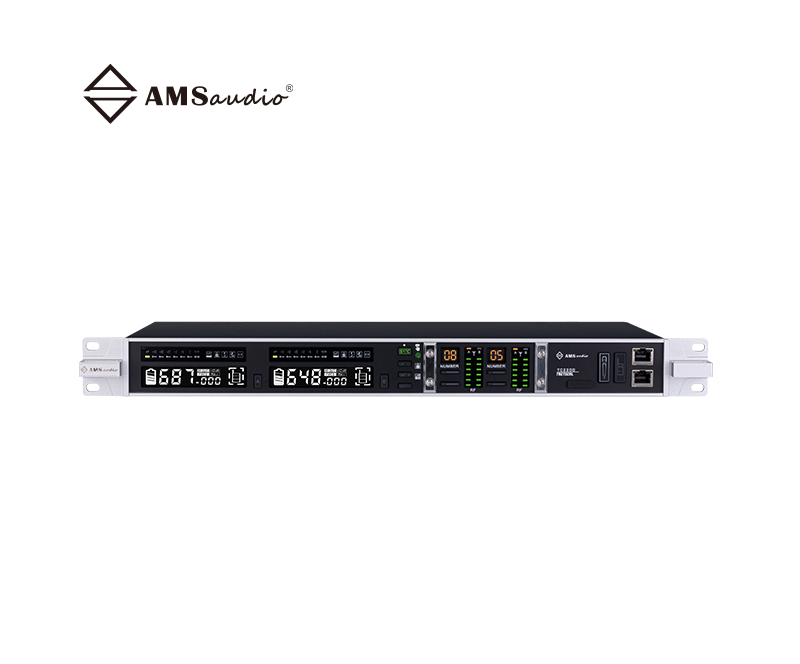 AMSAUDIO TC series: 30mW
Why not increase power:
• Regulations limit wireless transmission power in different countries
• Higher power reduces battery life
• 30mW is a balanced “practical” level for endurance, range, and compliance
Why can a radio receive broadcast stations?
A wireless microphone receiver works on a similar principle to radios and walkie-talkies.
If broadcast frequencies, harmonics, or intermodulation signals fall into your microphone’s frequency band, the receiver may pick up broadcast audio.
Does rain reduce wireless microphone range?
Yes!
Rain forms a “curtain” that attenuates wireless signals, especially in the UHF band, significantly reducing operating distance.Which frequency band is better for wireless microphones?
Mainstream options:
• UHF: 500–850MHz (most common for performances)
• G band: 1000–2400MHz (used by some major brands)
• VHF: older generation, now rarely used for professional performances
Simple understanding:
• Higher frequency: behaves like light—line-of-sight, poor diffraction, easily blocked
• Lower frequency: behaves like sound—better diffraction, but more complex interference
For most users:
There’s little difference within 500–850MHz.
What really matters:
• The frequency band of your existing microphones
• Common broadcast frequencies in your area
Avoid overlap—that’s the best choice.
What causes signal dropouts? How to identify?
Dropout = loss of connection between microphone and receiver.
Common causes:
Interference dropout
If the RF light remains on after turning off the microphone = external interferenceDistance dropout
Out of range—moving closer restores signalInstallation issues
Frequent dropouts even at short distance:
Antennas blocked
Antennas not positioned in a “V” shape
Receiver hidden in a cabinet or behind people
Why does everything work in rehearsal but fail during performance?
Very common. Main scenarios:
(1) Multiple microphones have noise or no sound
Usually intermodulation interference.
• Not all microphones were used during rehearsal
• All microphones are on during performance, increasing quantity and changing order
• Intermodulation suddenly appears
Solution:
• Full-system frequency coordination before performance
• Emergency fix: turn off some microphones
(2) Only one microphone has noise or no signal
Usually sudden co-channel interference.
Correct action:
• Turn off the microphone → rescan frequency → avoid interference → re-pair
• Use it as a backup to avoid reintroducing intermodulation
(3) All microphones have reduced range and frequent dropouts
In 90% of cases:
No audience during rehearsal, but a full crowd during performance.
The human body is about 70% water, which strongly blocks UHF wireless signals.
Correct approach:
• Place receivers near the stage or at higher positions, not behind large crowds
• Use antenna distribution/amplification systems if necessary