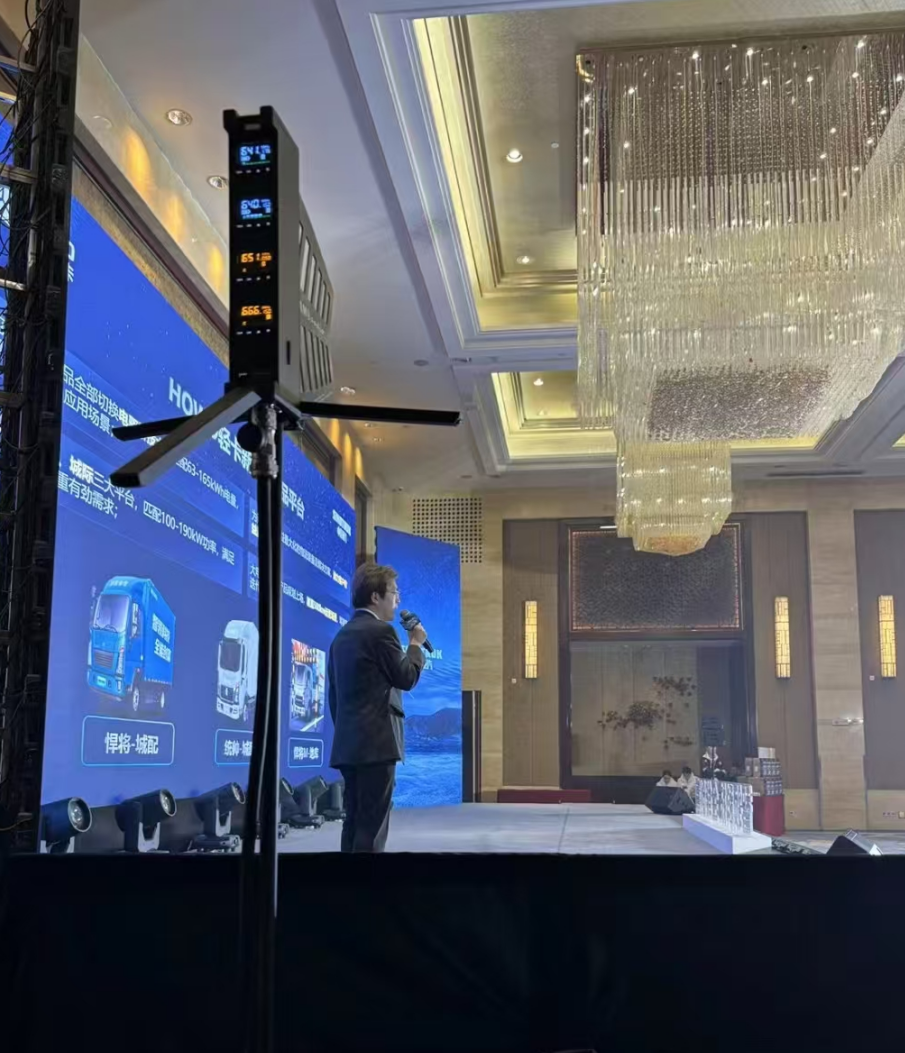
Recently, many friends have contacted me, saying that they experienced frequency drops when using the AMSaudio CR4 and asked how to fix it. Actually, there’s no need to worry. Frequency drops are mostly caused by weak signals or interference. Today, I’ll explain in simple terms two steps to check the system. After reading this, you can do it yourself and greatly reduce the chance of frequency drops!
Step 1: Check the RF signal strength – this is fundamental!
Remember, the CR4 receiver has an RF signal meter, which shows how strong the signal from the wireless microphones is. No matter which venue you are in, first set up the receiver properly, then take the microphone and move around the area where you usually use it. Keep an eye on the RF meter—if the signal doesn’t weaken noticeably or only drops slightly, then the signal is fine and usable!
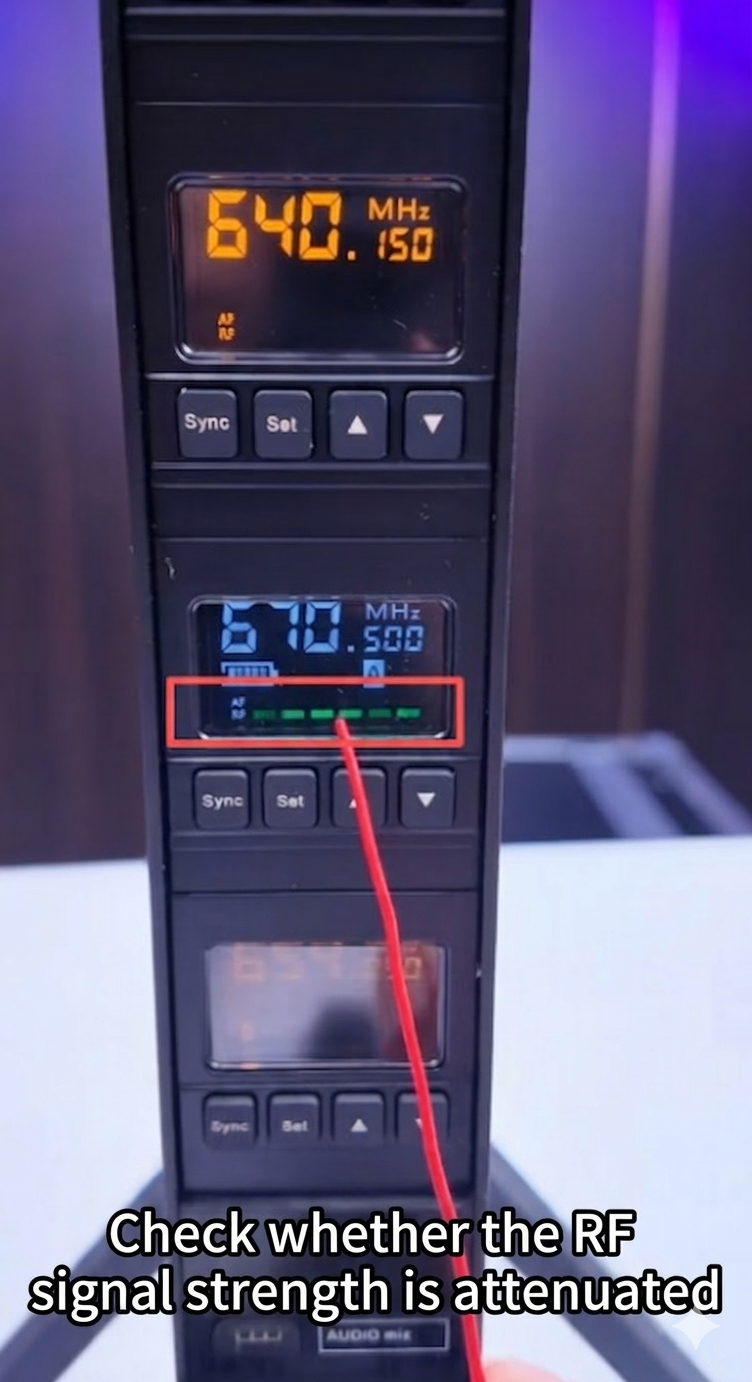
Step 2: Check for channel interference to ensure each channel is clean
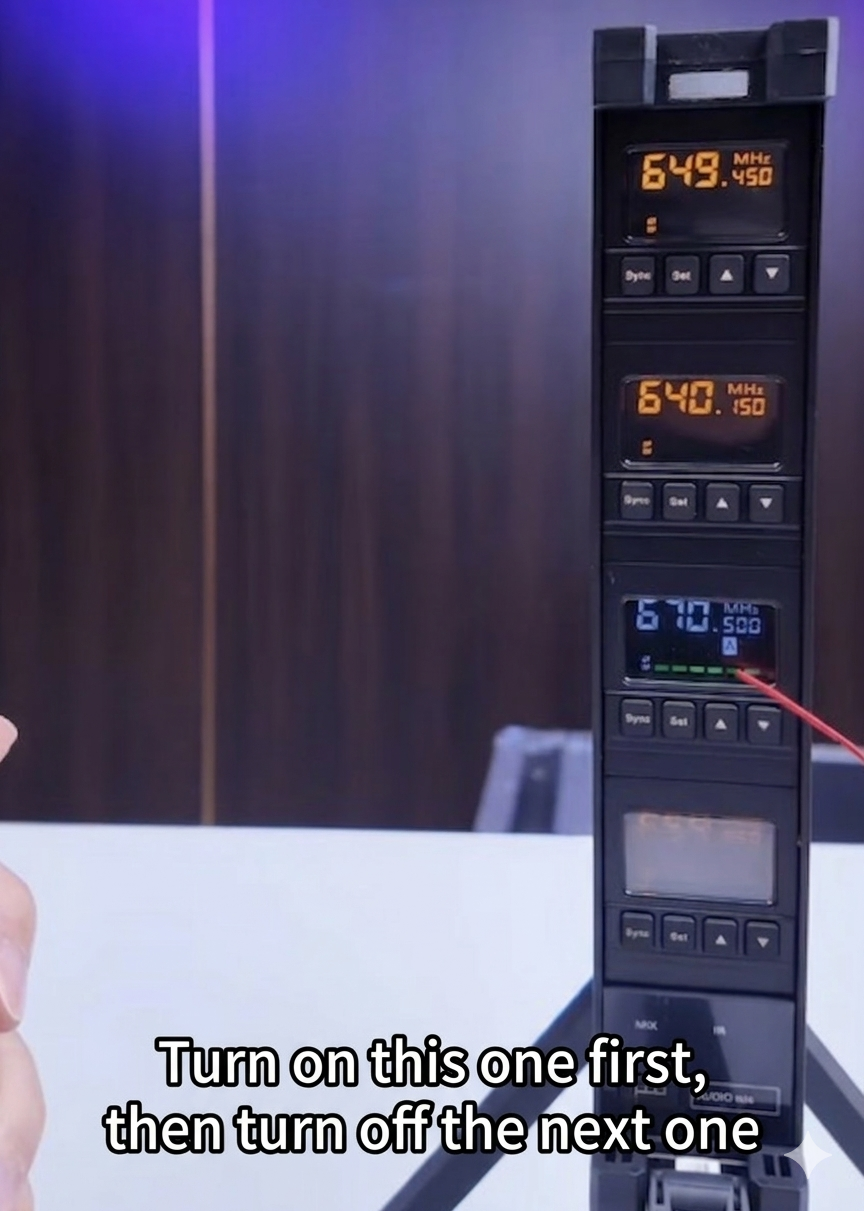
If after Step 1, the signals for all four CR4 microphones are fine, we move to Step 2—checking channel interference. This step is crucial, as frequency drops often occur when multiple microphones are used simultaneously. The operation is very simple: first, turn on all four microphones, then turn them off one by one. Each time you turn one off, check the corresponding channel on the receiver. As long as no same-frequency signal flashes, it means the channel is clean and interference-free. Then turn that microphone back on and turn off the next one. Repeat for all four channels to ensure each channel is clean.
Summary:
Actually, fixing CR4 frequency drops is not difficult at all! Just do these two steps: ensure strong signal strength and interference-free channels, and you can greatly reduce the chance of frequency drops. This will make the system very stable to use.
Additional Reminder: Try to position the CR4 high to avoid obstructions
Here’s an extra tip: try to place the CR4 receiver as high as possible, preferably on a stand. Since it’s an integrated design of the antenna and receiver, placing it high mainly helps avoid obstacles blocking the signal and ensures smooth transmission. Avoid placing the receiver behind large screens or other big objects, as this can affect the signal and cause frequency drops.