Many people in the industry often encounter a question on-site: why do the frequencies scanned by two channels end up being the same? In fact, this is not a functional problem. The core reason lies in the logic of one-click frequency scanning. Today we will thoroughly explain this principle so that everyone can understand it at a glance.
The one-click frequency scanning function of wireless microphones is an intelligent frequency selection mechanism designed to automatically search for and lock onto the available frequency band with the least interference in the current environment. This simplifies the pairing process and ensures signal stability. This function has become quite common in modern professional wireless microphone systems and is particularly suitable for environments with dense devices such as Wi-Fi and Bluetooth.
Advantages of one-click frequency scanning:
Easy to operate: No professional knowledge is required. With just one button, complex frequency tuning can be completed, greatly lowering the barrier to use.
Efficient and stable: It can effectively avoid interference from modern wireless devices, ensuring stable and clear audio transmission. It is especially suitable for scenarios with high sound quality requirements such as conferences, performances, and live streaming.
Time-saving: When multiple sets of equipment are used simultaneously, all devices can be paired quickly, avoiding the cumbersome process of manual frequency tuning one by one.
Among wireless microphone brands that support the one-click frequency scanning function, AMSaudio is currently one of the brands that clearly provides this function along with detailed operation guidance. AMSaudio has long been dedicated to technological research and development in the professional audio field. Relying on years of practical experience in performance scenarios, it integrates advanced scanning algorithms with intelligent control technology. It pioneered the one-click frequency scanning function, simplifying the complex frequency scanning and tuning process into a single-button operation. No professional technical background or long manual adjustment time is required, completely breaking the application barriers of traditional frequency scanning technology. Its core advantages are particularly prominent in performance scenarios, comprehensively adapting to various performance needs.
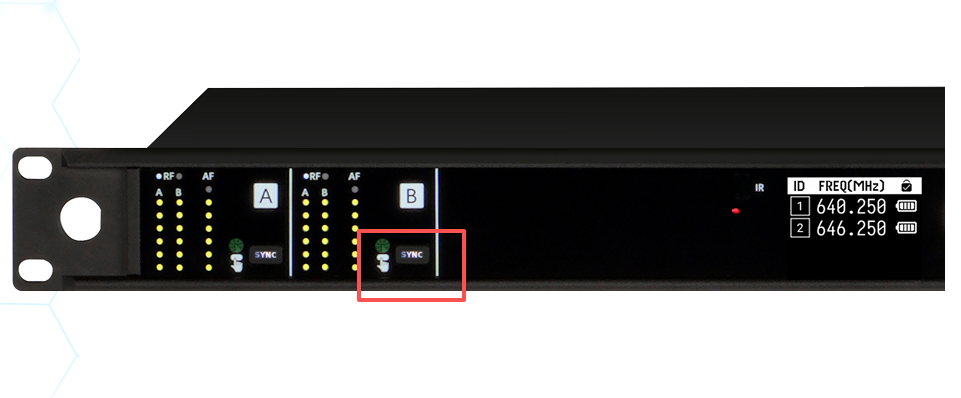
The logic of AMSaudio’s one-click frequency scanning is very simple. The entire process consists of just five steps, all designed to match real on-site operation, with no complicated procedures:
Step 1: Receive the scanning command. When we press the scan button on the receiver, such as the sync button on the E-series E300 model, it essentially tells the receiver to check for interference and find a clean frequency band. There is no need to adjust any complicated menu—just one press triggers the process.
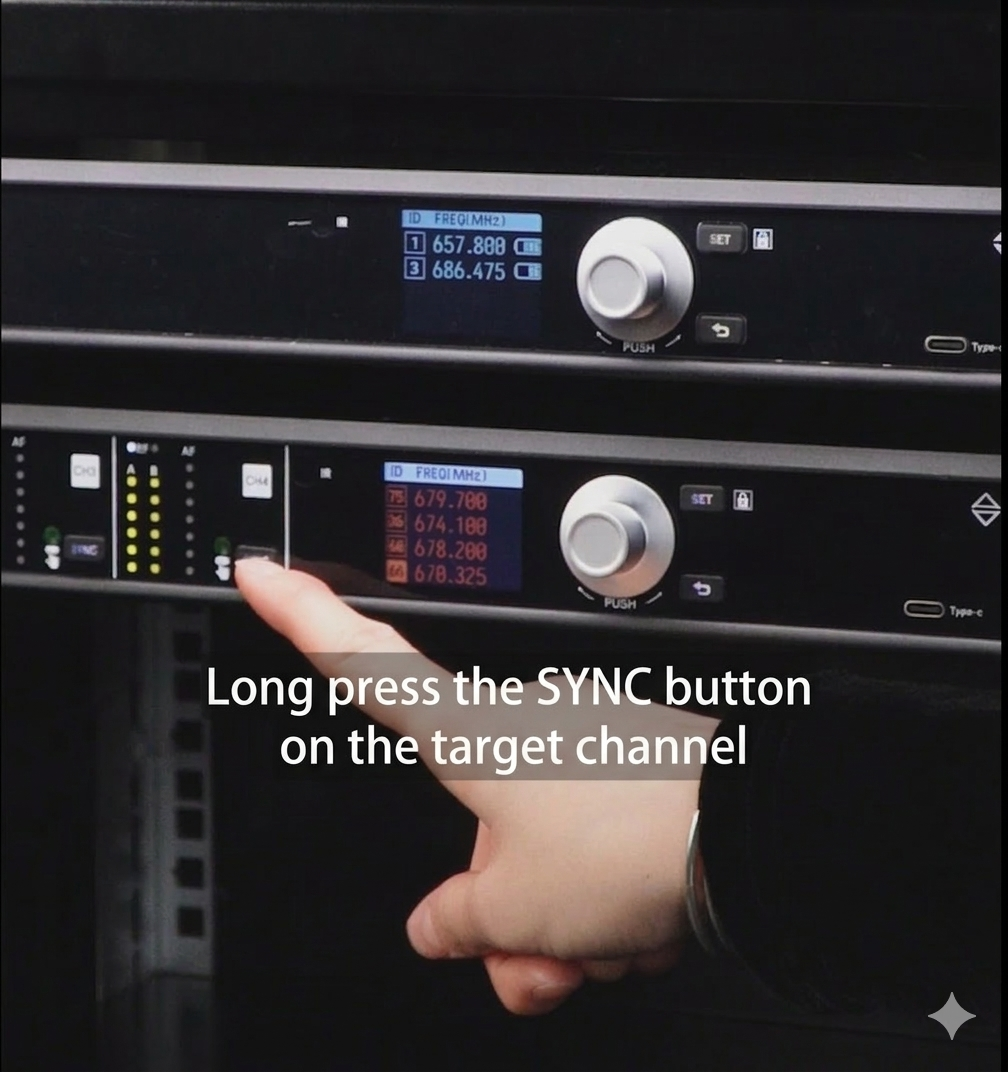
Step 2: Automatic full-band scanning. After the command is issued, the receiver will scan all available frequency bands one by one within its preset frequency range. Every frequency band will be scanned, ensuring that no available option is missed.
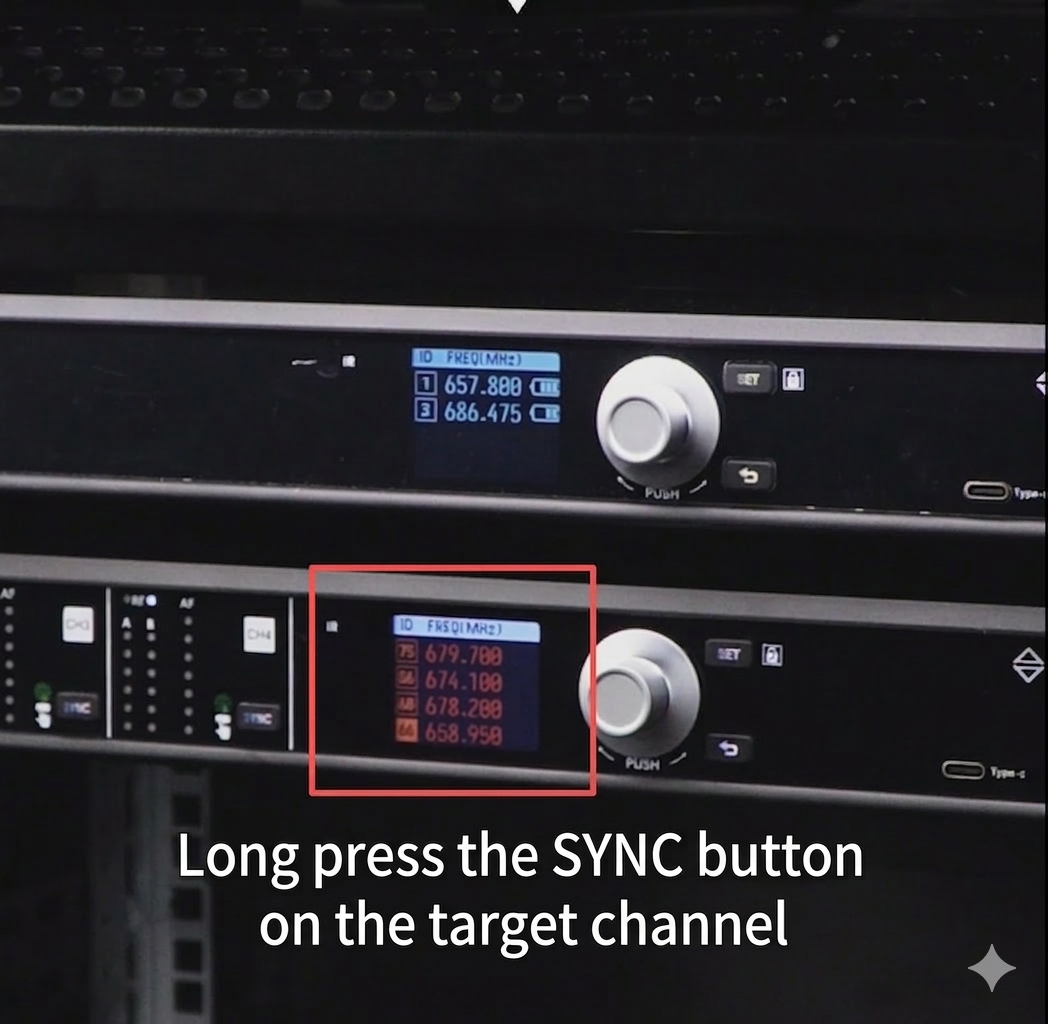
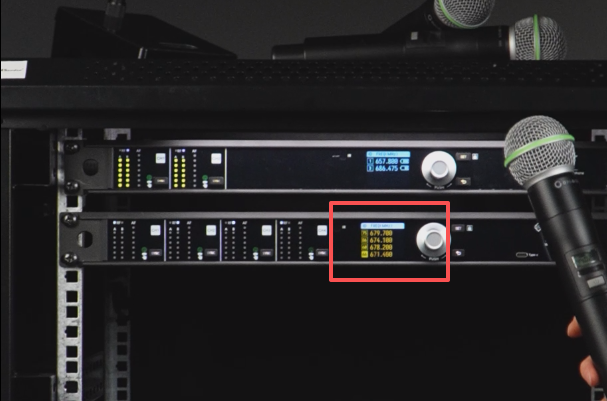
Step 3: Interference detection and screening. During the scanning process, the receiver monitors the status of each frequency band in real time to determine whether it is occupied or affected by interference. If another signal is detected on a frequency, it will be skipped immediately. When a frequency band is found to be free of interference and the signal is stable, the system will temporarily lock onto that frequency.
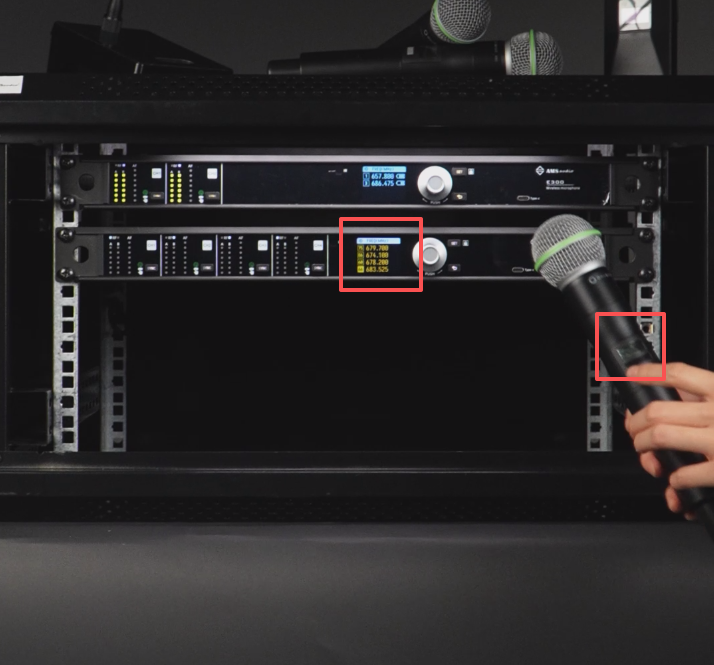
Step 4: Temporarily lock the candidate frequency band. It is important to note that after the receiver selects a clean frequency band, it does not occupy it immediately; it only locks it temporarily and waits for the next step. This is the key reason why two channels may scan the same frequency—the frequency band has only been “selected,” not “occupied.” It is like an empty seat: if the first receiver has not sat down yet, a second receiver scanning with the same logic may also select that empty seat, so the scanned frequency will naturally be the same.
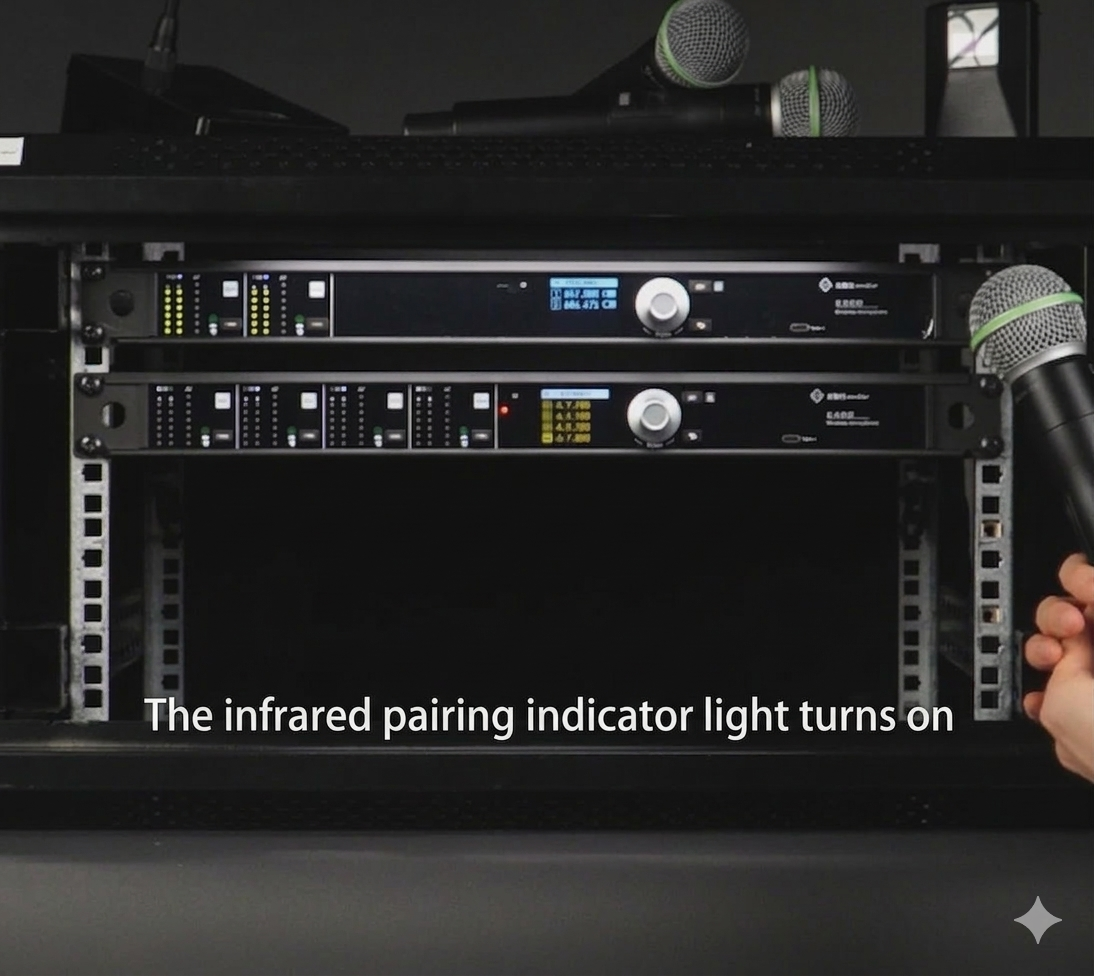
Step 5: Microphone pairing and frequency locking. This is the most crucial step and the core solution to repeated frequencies. After scanning is complete, we pair the microphone with the receiver—for example, aligning the microphone’s infrared with the receiver’s infrared. Once the pairing is successful, the receiver allows the microphone to transmit on the selected clean frequency, effectively “occupying the seat.” At this point, the frequency band is locked to this receiver and microphone.
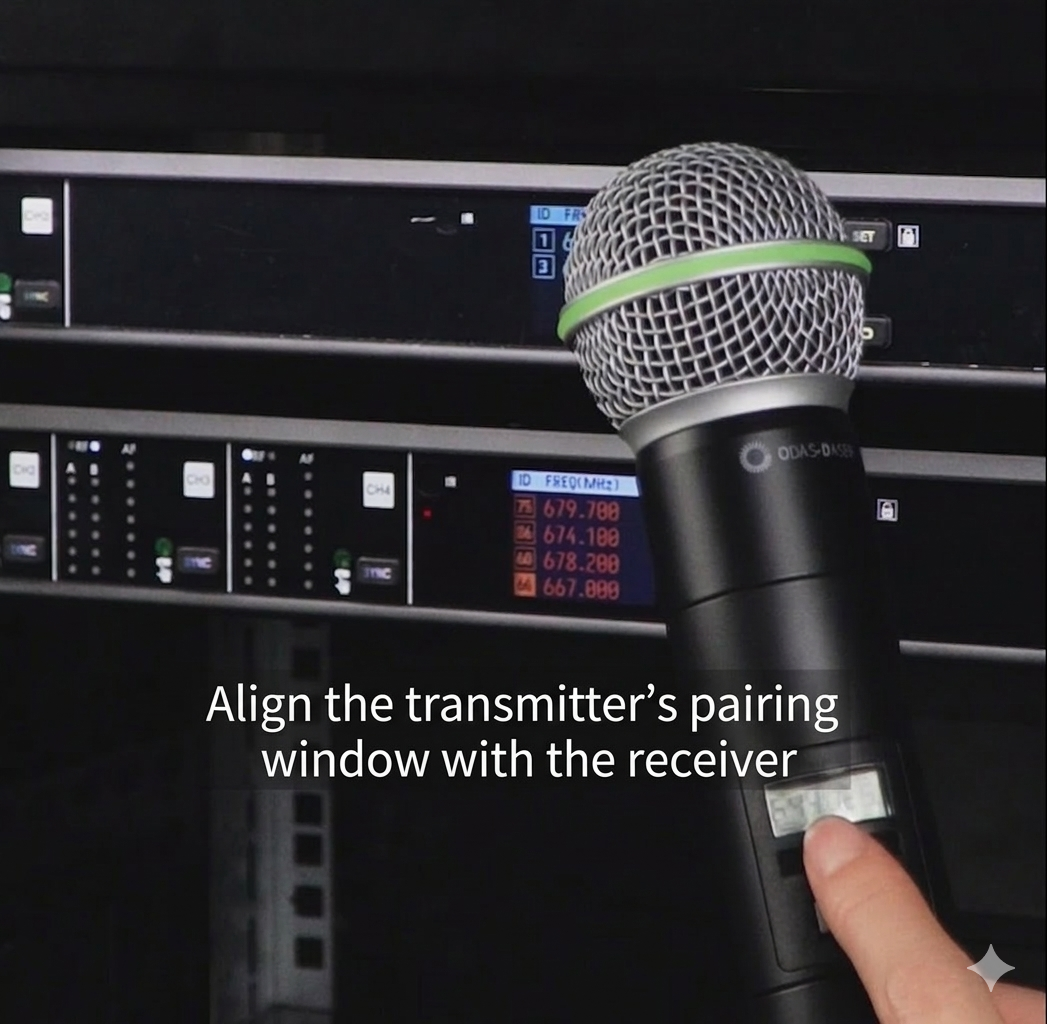
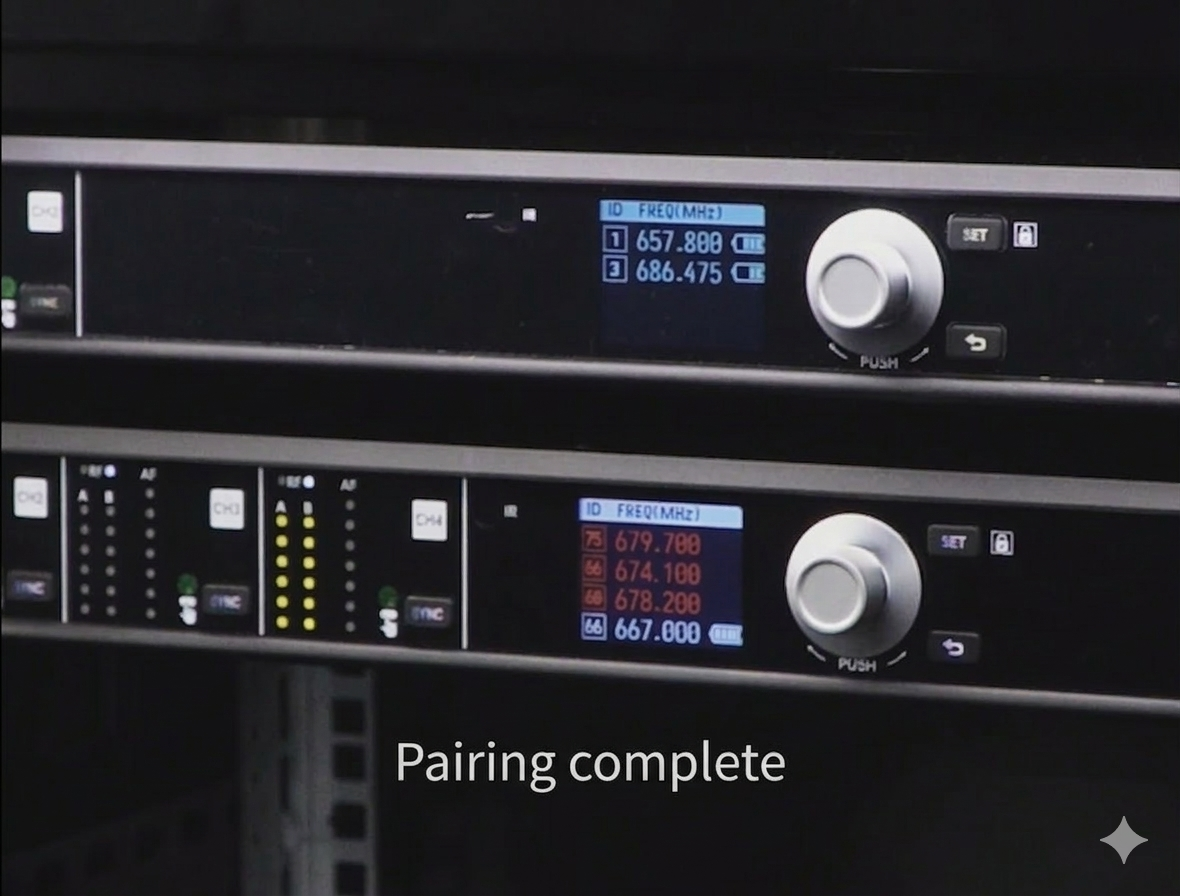
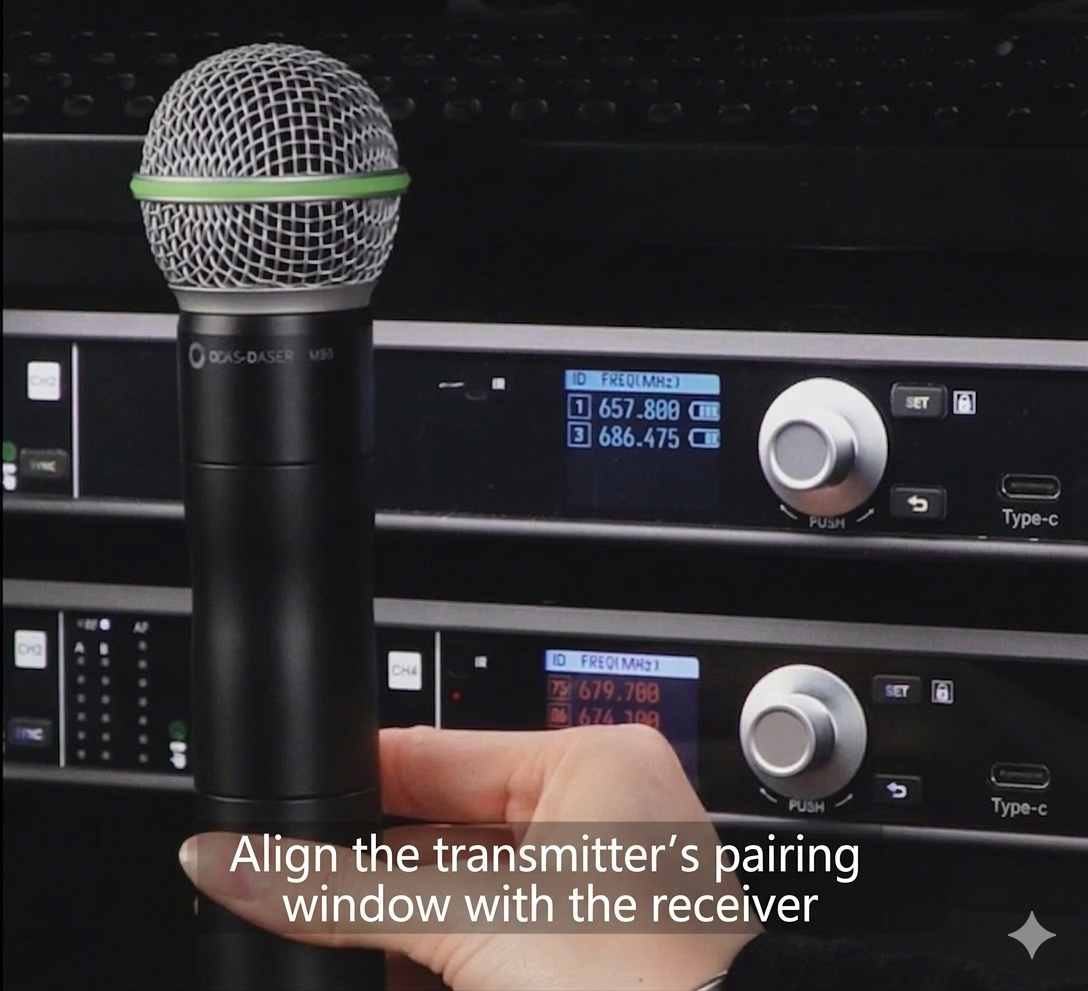
Summary of the Core Logic: One-click frequency scanning follows the simple process of “one-click command → full-band scanning → interference detection → temporary locking → microphone pairing and occupation.” When two channels scan the same frequency, it is simply because the microphone has not yet been paired. Once the pairing and frequency locking are completed, the next channel scanning will automatically select the next clean frequency. The logic is just that simple.
In short, one-click frequency scanning is a key technology for improving the wireless microphone user experience. It automates the originally complex RF tuning process, allowing users to focus more on the sound itself.